I work in media production, producing animation and video. So obviously I fully support image creators’ rights to make money from their creations. However sometimes something I am creating simply doesn’t merit a budget to license an image from a photographer or via a stock image agency. In those cases I will often shoot the image myself or turn to a resource for free images on the internet.
 Obtaining images from the internet is filled with potential landmines. By now, most people understand that some (actually most) images on the internet are not free for the taking. In fact, some image libraries have created lucrative businesses tracking down unauthorized use of images they represent and pressing for substantial payments. A notable example is Getty Images which uses software called PicScout to search for images they claim to exclusively represent and attempt to collect hundreds or even thousands of dollars for the use of these images. My friend Matthew Chan maintains an active forum at Extortion Letter Info helping people deal with these collection attempts.
In general, unless you took a photograph yourself or hired a photographer under a work-for-hire agreement that transfers the rights to an image to you, you cannot use an image. However, there are certain images that are free to use for various reasons. These are called public domain images. Public domain is a designation for content that is not protected by any copyright law or other restriction and may be freely copied, shared, altered and republished by anyone. In general, works published after 1977 will not fall into the public domain until 70 years after the death of author, or, for corporate works, anonymous works, or works for hire, 95 years from the date of publication or 120 years from the date of creation, whichever expires first. But their are exceptions.
The first exception is in the United States, images and photos produced by the federal government are automatically in the public domain. There are a few notes that go along with this. You cannot use U.S. government trademarks or the logos of U.S. government agencies without permission. Individuals featured in images may have their own rights to privacy or publicity. Also, this only applies to federal agencies and not state and local governments. Finally, it is important to be aware that some images used on federal web sites may have been licensed from photographers and the government agency may not own these images.
Another source of public domain images are photographs taken by photographers who have explicitly released their work into the public domain. For example Carol Highsmith has photographed American vistas, monuments, and architecture in all 50 states. She donated her life’s work of more than 100,000 images, royalty-free, to the Library of Congress, which established a rare, one-person archive. Other photographers choose to release their images into the public domain as well.
 Some choose to release their work under a Creative Commons Attribution License. This is technically not a public domain image, but rather a license to use the image. You must identify the creator in the manner they request, provide a copyright notice, and refer to the public license and disclaimer of warranties. A more detailed explanation is available on the Creative commons site. https://creativecommons.org/licenses/by/4.0/legalcode
There are also images that were released prior to 1977 and for one reason or another, the copyright was not renewed or the images did not receive copyright protection. Prior to the Copyright Act of 1976 images had a shorter period of copyright and a complex system to claim copyright and renew it. Many images (and movies for that matter) fell out of copyright. Of course researching if these images are truly in the public domain is very complicated.
Below is my list of image resources I use when I need a public domain image. I would be remiss if I didn’t point out that I am NOT a legal scholar and this information is based on my lay-persons understanding of Public Domain Images. When using images that are supposed to be in the public domain, it is important to document the source of the image and investigate why it is believed to be free to use.
The Library of Congress:
http://www.loc.gov/rr/print/
Every image in the online catalog tells you if there are “No known restrictions on publication” or if there may be an issue. Most of the photos and artwork are from mid-twentieth century and earlier. But if you are looking for wonderful retro imagery it is a great resource.
 Carol Highsmith Archive
https://www.loc.gov/collections/carol-m-highsmith/
The previously mentioned Carol Highsmith Archive at the Library of Congress is a treasure trove of fantastic Americana photographs that is worth mentioning separately from the main Library of Congress.
NASA
https://images.nasa.gov/#/
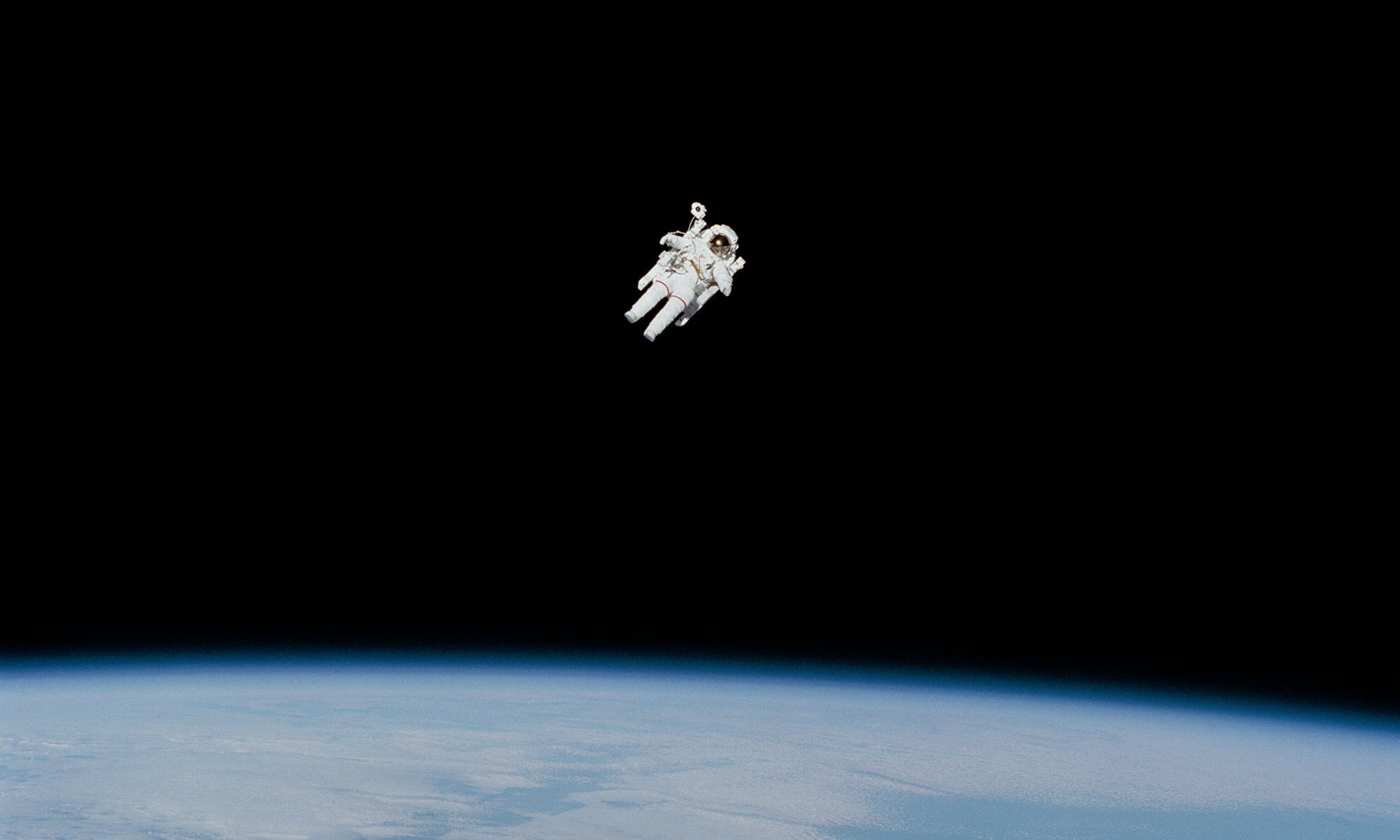
Tons of space images and rockets. It’s important to investigate the photo credit and make sure it is credited as NASA, as some images are obtained from third parties.
NOAA
https://www.nesdis.noaa.gov/content/imagery-and-data
The National Oceanic and Atmospheric Administration is another federal government agency that produces fantastic satellite images and data visualizations of weather events.
Wikimedia
http://commons.wikimedia.org/wiki/Main_Page
Wikimedia uses tons of images to supplement their Wikipedia entries. These images are searchable on the wikimedia site. Most of them are licenses under Creative Commons and all the images specify your right to use the image, how to credit the photographer, and any additional requirements. I will note that some of the television shows I work on will not even consider Wikimedia images because they don’t feel the creator claims are closely vetted. However, I will say that if you are looking for an image for a web site or blog, you follow the license, and document the source, you should be fine.
 Morguefile
https://morguefile.com
Morguefile is a free photo archive “for creatives, by creatives” and has about 350,000 images usable for commercial work. It has been around since 1996. I have used images from this site and never had an issue. You are not required to give credit to the photographer, however it is important to note that “Morguefile … disclaims all liability relating to any User’s use of any Pictures.” That means it is conceivable that a person who does not own the rights to an image could upload an image and the original photographer could come after you for payment. That’s why it is important to document the source of the image. It won’t completely get you off the hook with a tenacious rights holder. However, documenting why you believe you were free to use any photo is an important insurance step.
The New York Public Library Digital Collections
https://www.nypl.org/blog/2016/01/05/share-public-domain-collections
If you are looking for something beyond photographs, this is an amazing collection. Old board games, sheet music, advertisements, stereoscopic images AND photographs are all represented here. There are 180,000 digital files. Most are from the early 20th century and earlier.
Here are several other sites similar to Morguefile that allow you to download images for free, but do not offer any warrantee.
http://www.freeimages.co.uk/ (credit required)
https://freerangestock.com (Credit NOT required) This company claims to shoot their own images. It seems they make money by suggesting additional images that can be purchased from stock photo companies.
http://www.imageafter.com (Credit NOT required) They insist that you are responsible for using this images although it appears they vet their contributors to some degree.
http://www.freepixels.com (credit required) A smallish selection and also no warrantee.
http://www.unprofound.com (Credit NOT required) This site has an interesting color-based search engine. The site uses a smaller group of selected photographers, so it lowers the risk of getting an image submitted by someone that doesn’t own the rights.
http://openphoto.net (credit required) Has a lot of images but is vague about the usage rights.
https://www.pond5.com/photos/1/.html?free=1#1 (Credit NOT required) Pond5 is a great resource for purchasing stock images. I support them in favor of companies like Getty Images (or their subsidiaries like iStockPhoto) or Masterfile because they don’t seem to make a business out of suing potential customers if an errant image ends up on a web site. Because they are sane and rational folks, they also provide some great public domain images for free.
I also would be remiss if I didn’t mention Flickr, the biggest photo sharing site on the web https://www.flickr.com/ Not everyone allows their photos to be used commercially, though, so visit the Advanced Search Page, then check “Only search within Creative Commons-licensed content” and any other licence-related options you need before you begin. Like many of the other photo sites, they do not warrantee that the image is cleared to use. I also should mention that from 2008 to 2014 Getty Images was working with Flickr to sell some photographer’s images on their site. That agreement has since expired. But that relationship would make me extra-wary about using any images from Flickr.
Finally, here are a couple less useful sites:
http://public-domain-photos.com They have a small selection of lower resolution images. They also mix in images from ShutterStock and send you to their site to license these images.
http://www.freefoto.com These images are only free for non-commercial use and must have a watermark.
http://www.freeimages.com/ First, this site is owned by the aforementioned Getty Images. Also it is important to read the licenses carefully. They mix in for sale images from another subsidiary, iStockPhoto. So be careful using these pictures.
EDIT: I just came across another fantastic resource to share:
https://unsplash.com/explore UNSPLASH offers over 300,000 free, high-resolution photos brought to you by the world’s most generous community of photographers.
Also, two other sites that have been brought to my attention: https://www.pexels.com has a large collection of photographs AND videos that are licensed under the Creative Commons Zero (CC0) license. This means you can edit or change the videos and use them free for personal and even for commercial projects. Also Canva (https://www.canva.com) offers not just photos, but design templates, fonts, layouts and color pallettes to help you build “beautiful designs and documents.” It was not clear from this site though, what their long-term licensing policy is.
UPDATE February 8, 2021: I’m glad people have found this resource helpful. I received an email from another site that offers images AND video. The site is PIKWIZARD. Two thing to note: They intersperse their media offeriengs with commercial links. However it is very easy to identify them. They have a “Premium” tag over the image and when you roll over the image, you are notified which commercial stock house offers the image. Secondly, like many of these sites, the images are not always FREE for all uses. Some are specified for editorial use only, while others are marked “FREE for commercial and personal use. No attribution required.” Make sure you read that license!
The other interesting thing about Pikwizard is that it has a built in image editor. You can do some quick image editing before downloading your image. I was also impressed that they had some useful stock video footage. This site is worth checking out.